
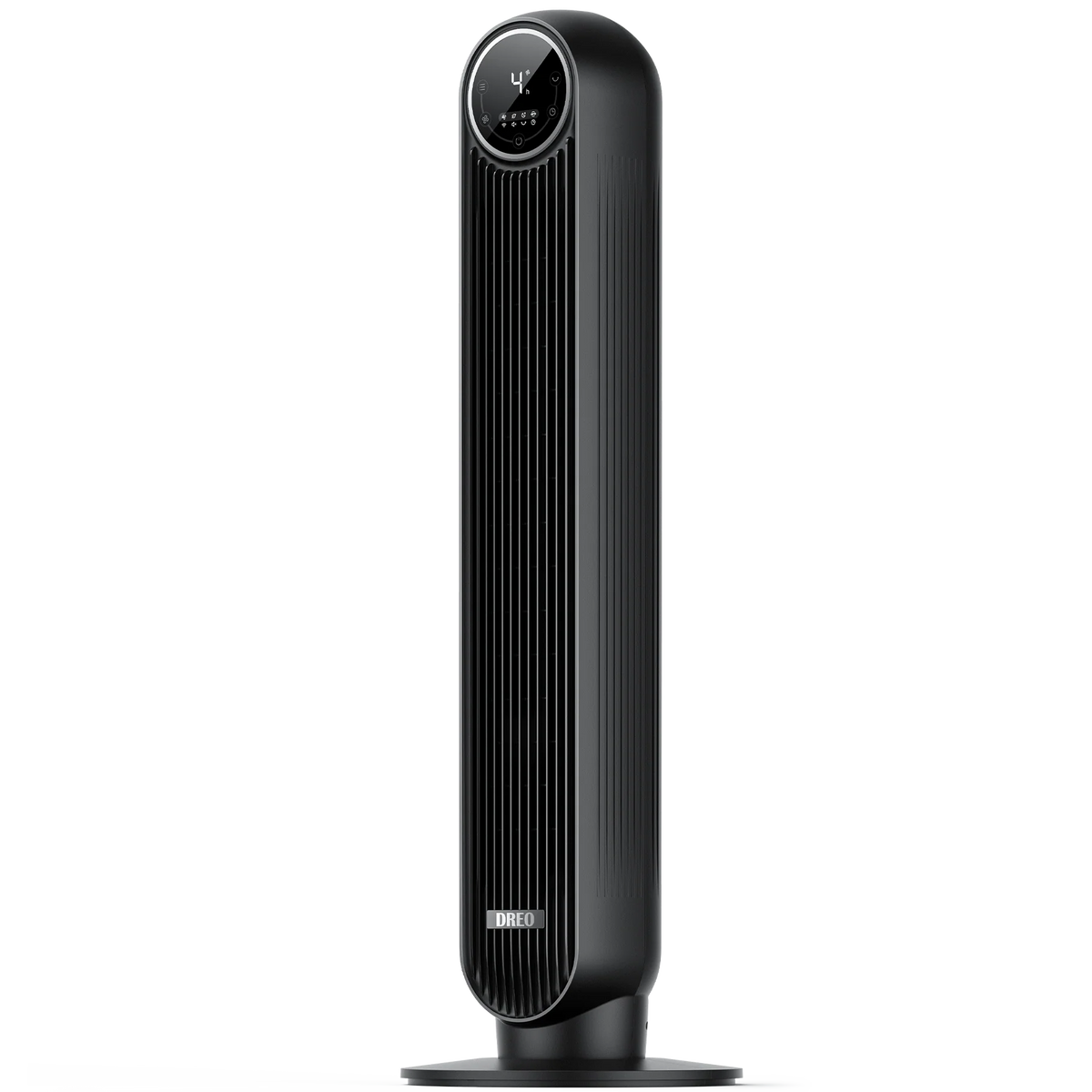
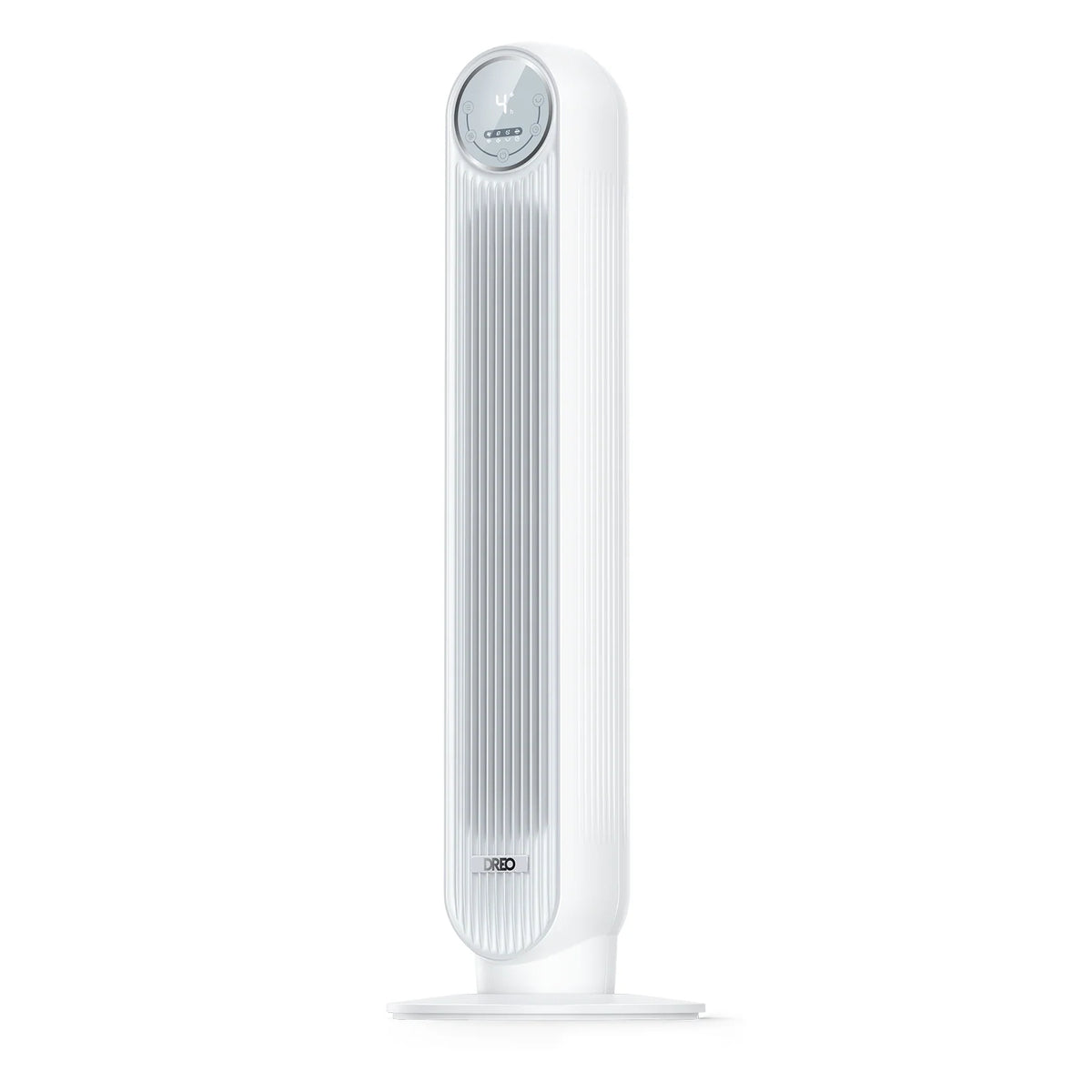
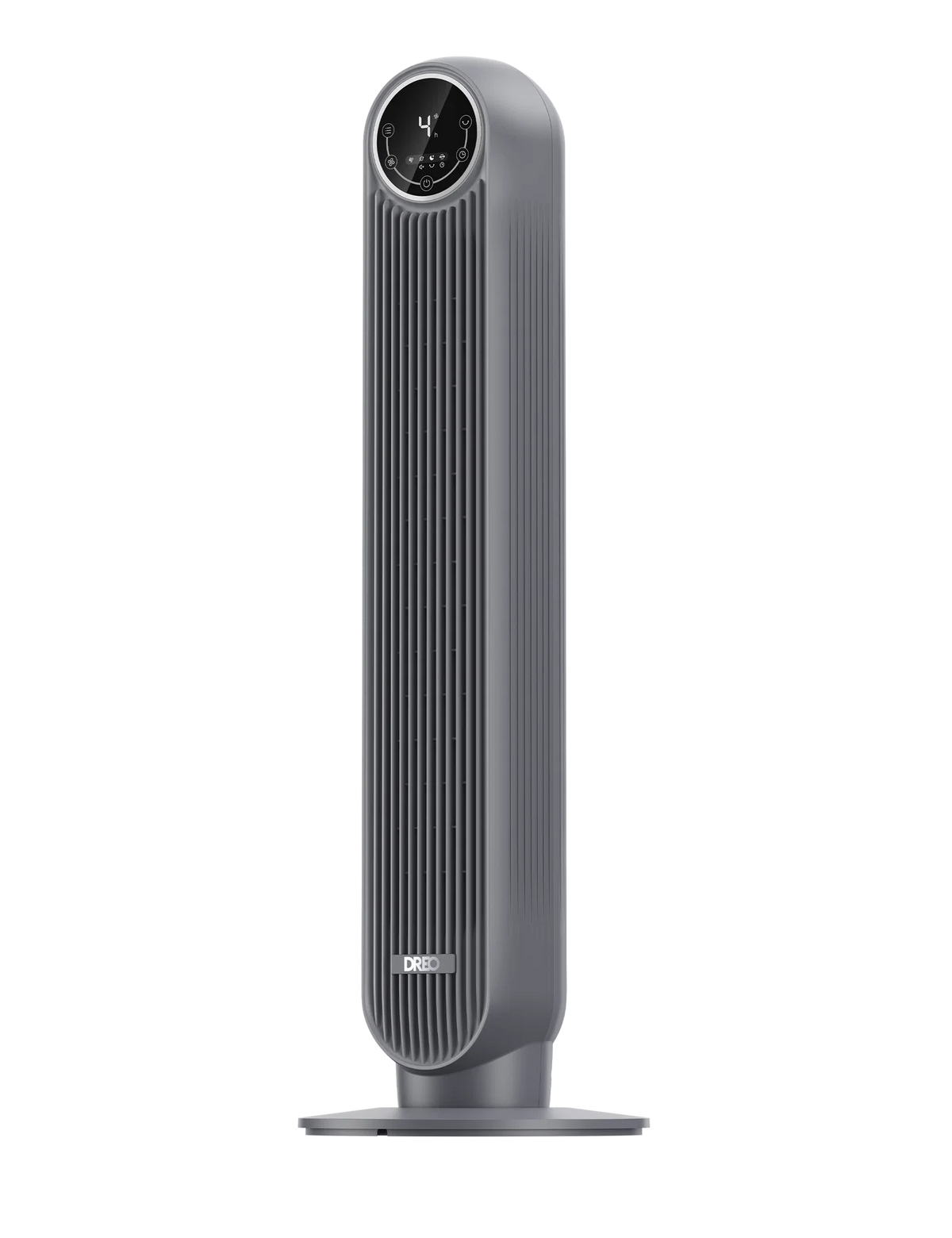
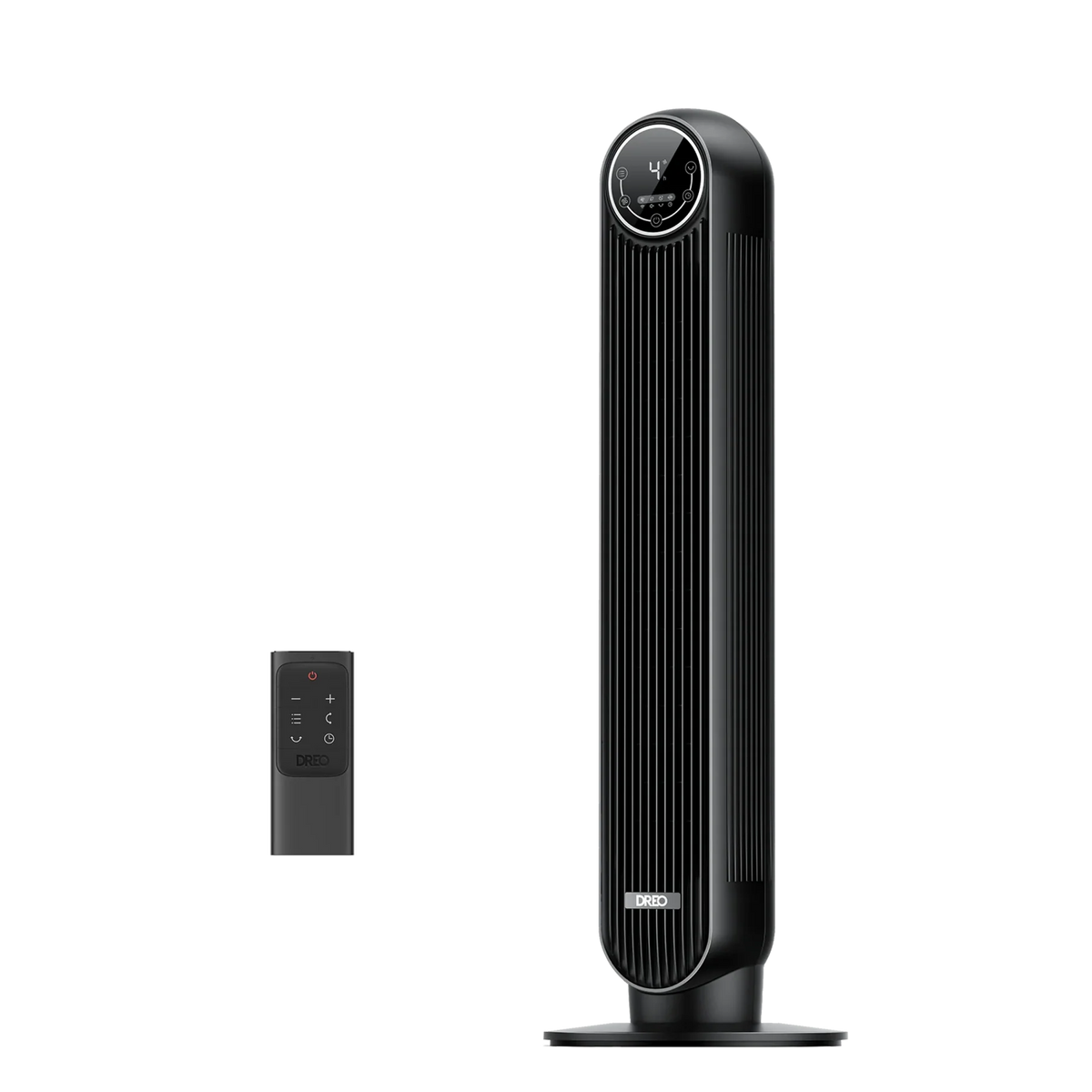
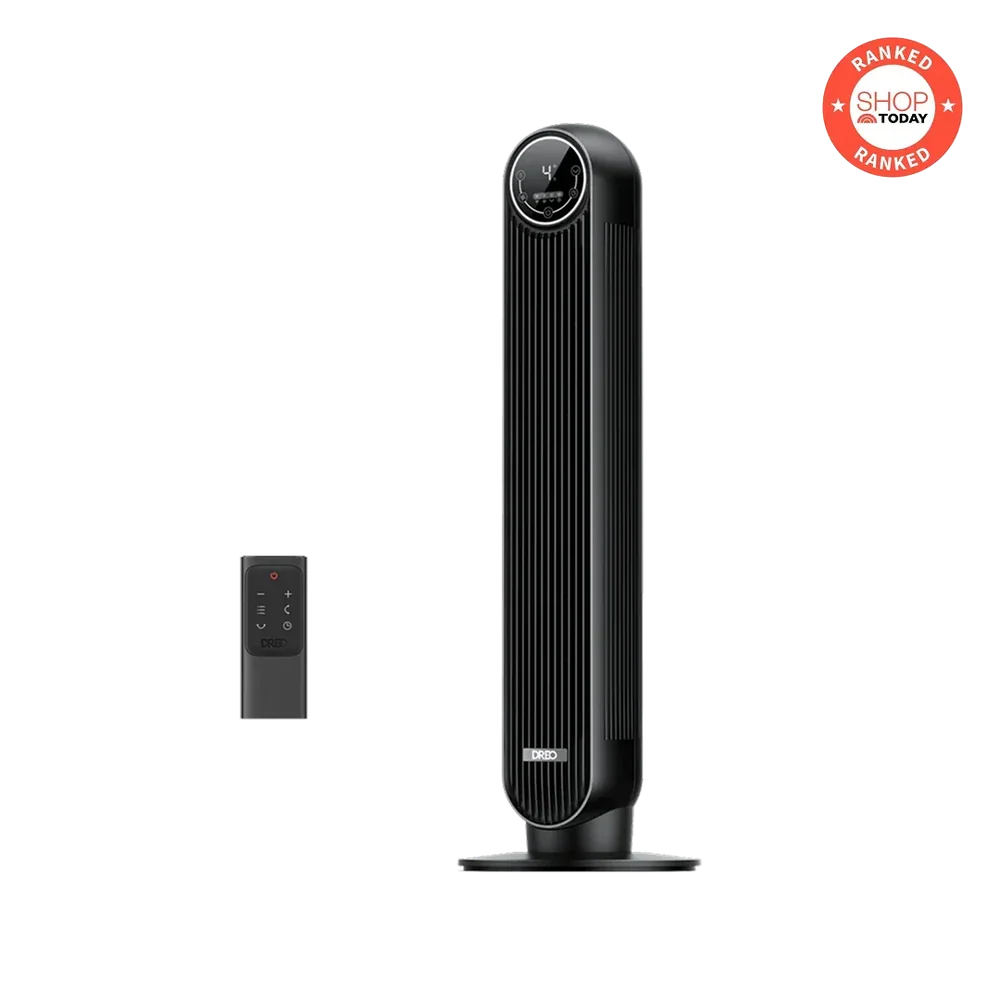
Tower Fan Nomad One
Tax excluded.
1. How do I use the discount code?
Copy the discount code from the product page,and then apply the discount code during your checkout.
2. Can I redeem multiple discount codes?
No, discount codes cannot be combined. Only one code can be applied per order.
3. Why is my discount code invalid?
* The code does not apply to the items in your cart.
* The code was entered incorrectly.
* The code has expired.
* The code is not from DREO's official website.
* Your cart already has an active discount code, and multiple codes cannot be used together.
If you have any questions,please feel free to reach out to our customer service team support@dreo.com
- Airflow at 28 ft/s: High‑velocity airflow circulates evenly across your space for instant cooling.
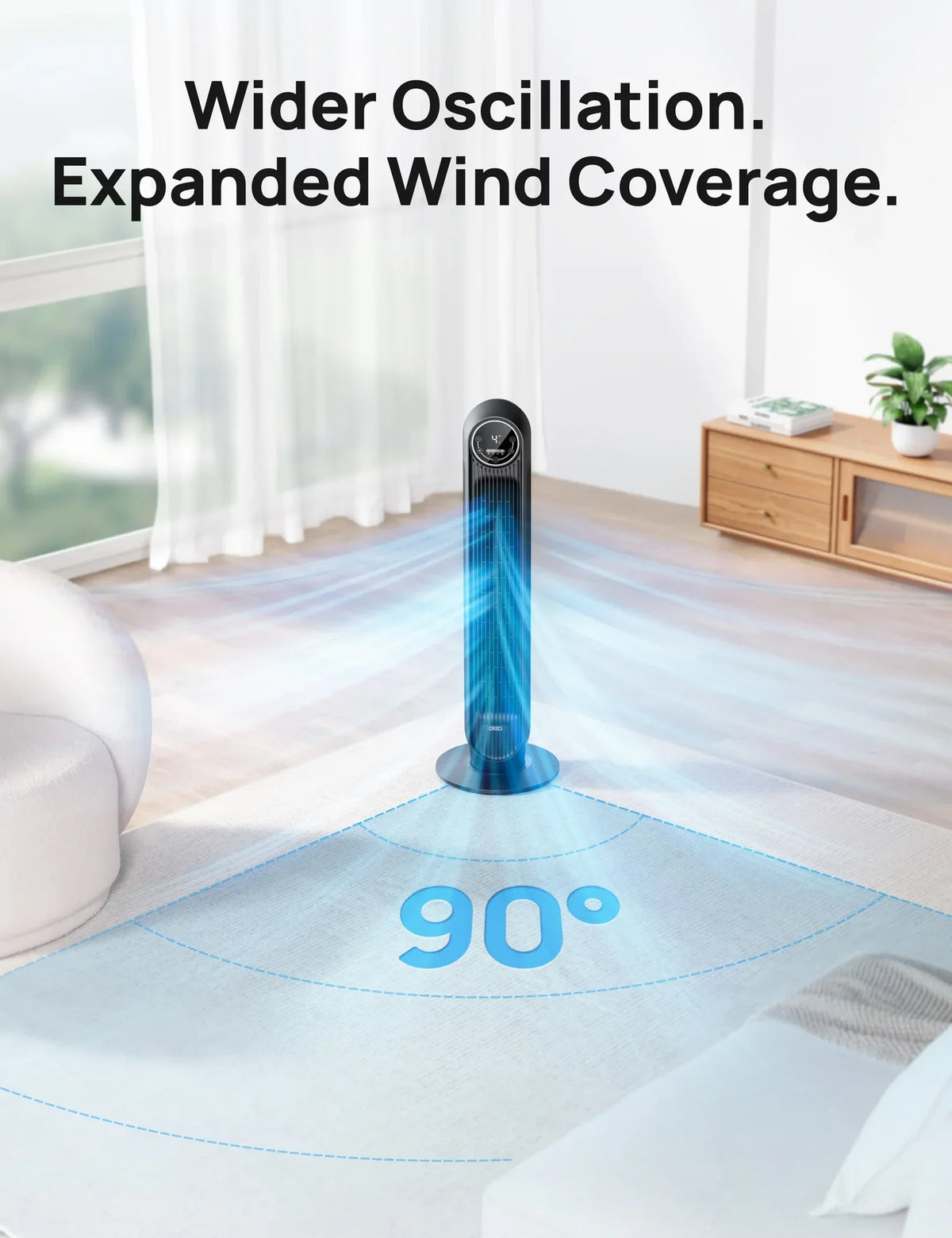
- 4 Speeds, 8 h On/Off Timer & 90° Oscillation: Adjust intensity and schedule runtime to suit any routine.
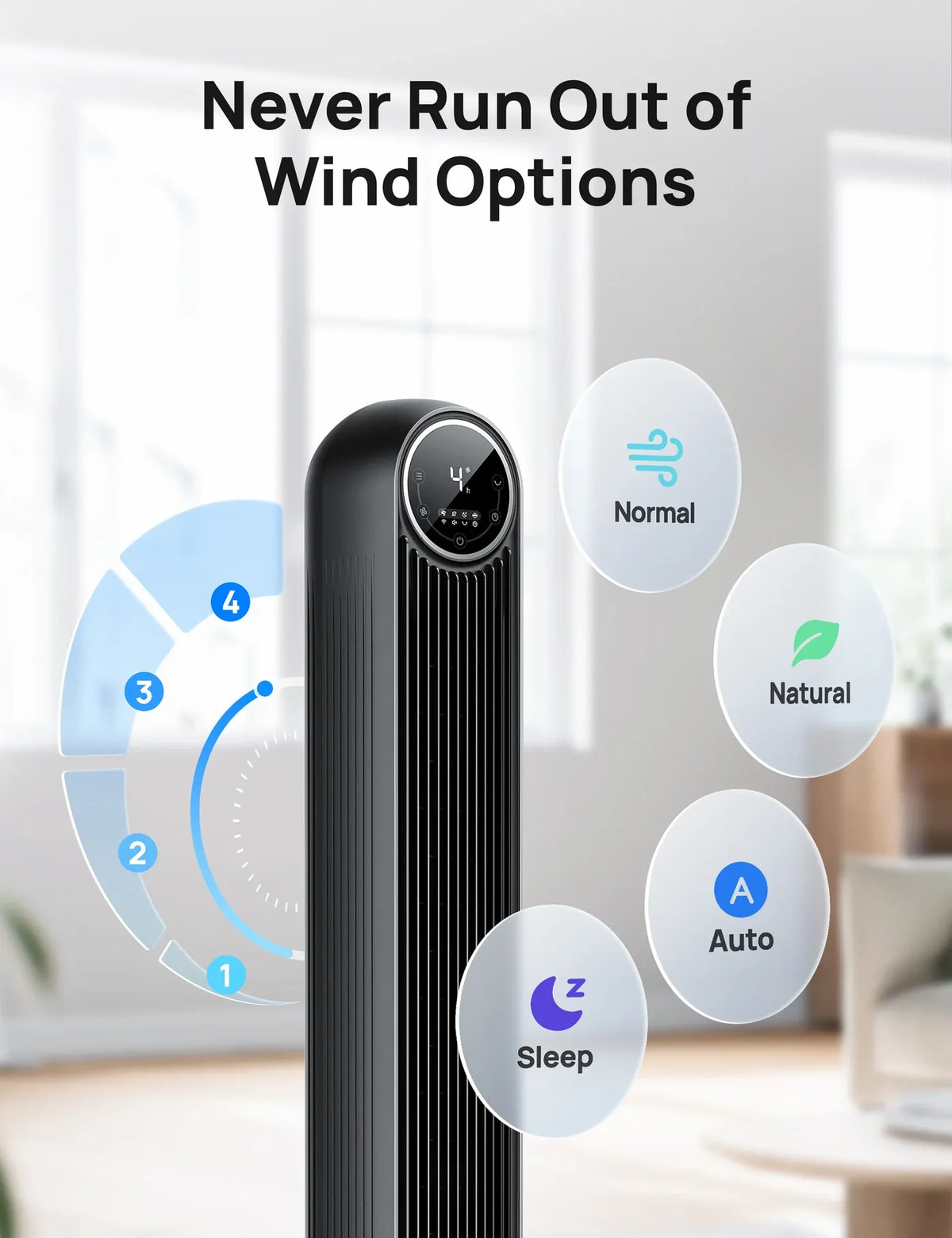
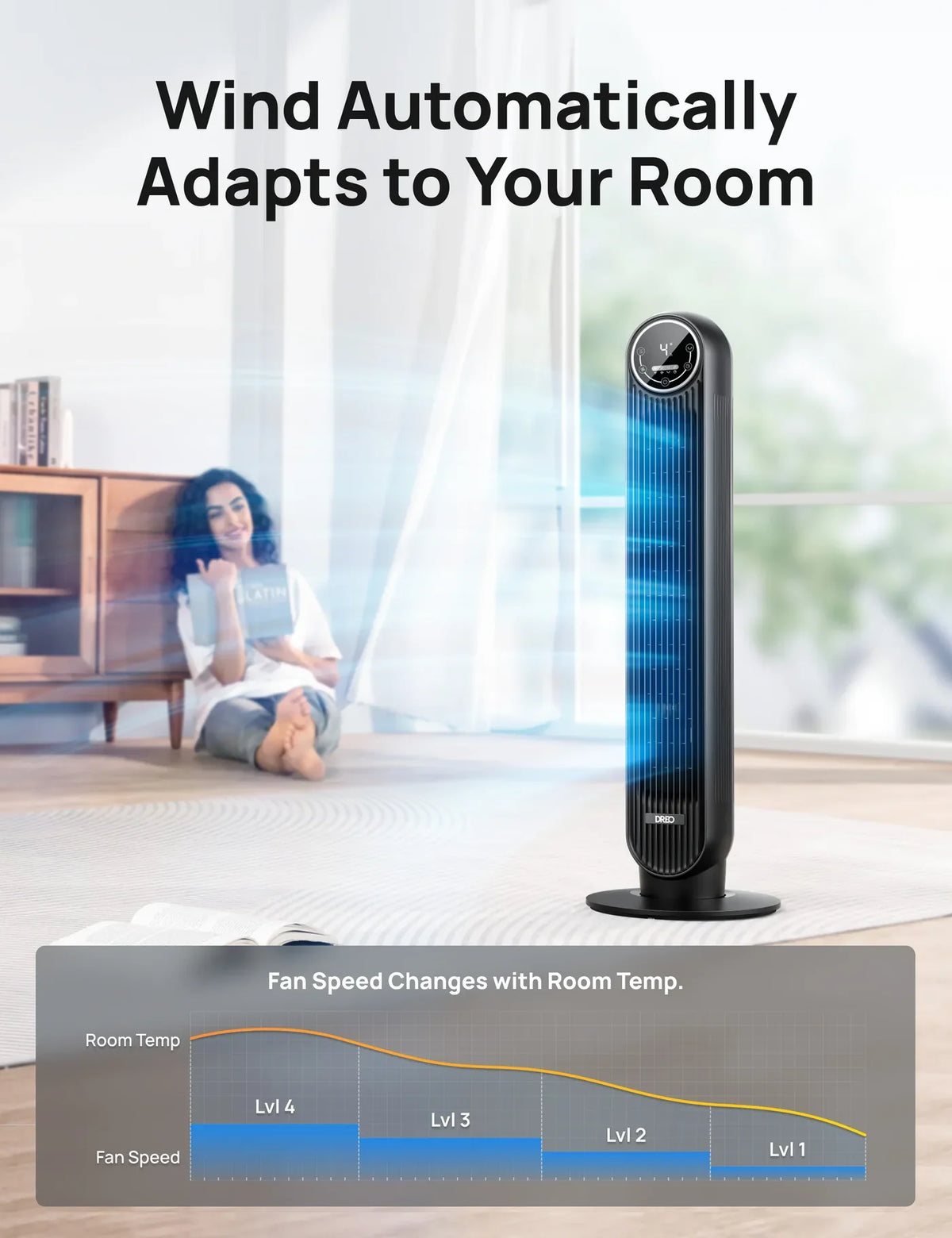
- Four Tailored Modes: Normal, Standard, Sleep, Auto: Choose your ideal airflow pattern for every scenario.
- Slim, Compact Design That Fits Anywhere: Sleek profile takes up minimal space—perfect for tight corners or narrow rooms.
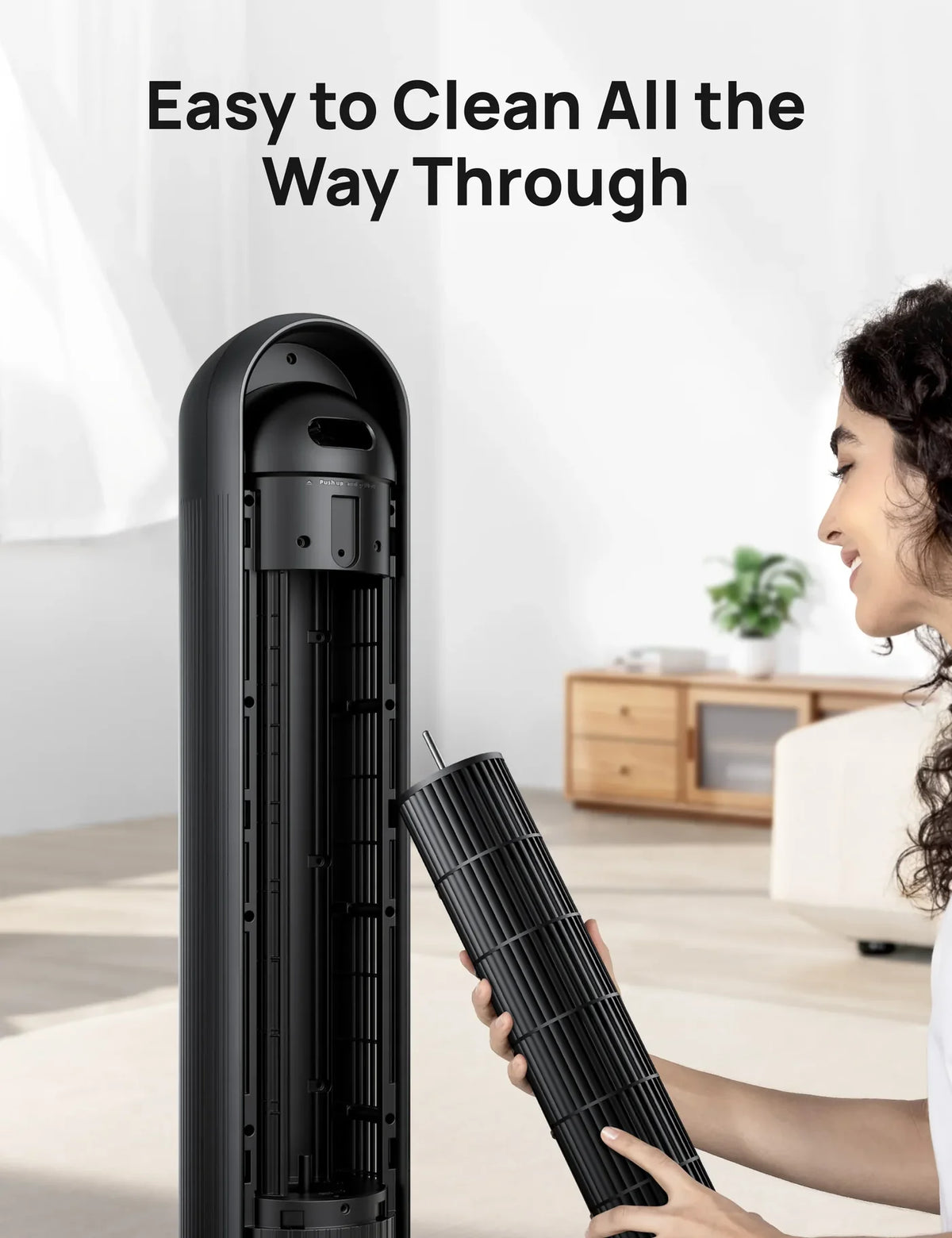
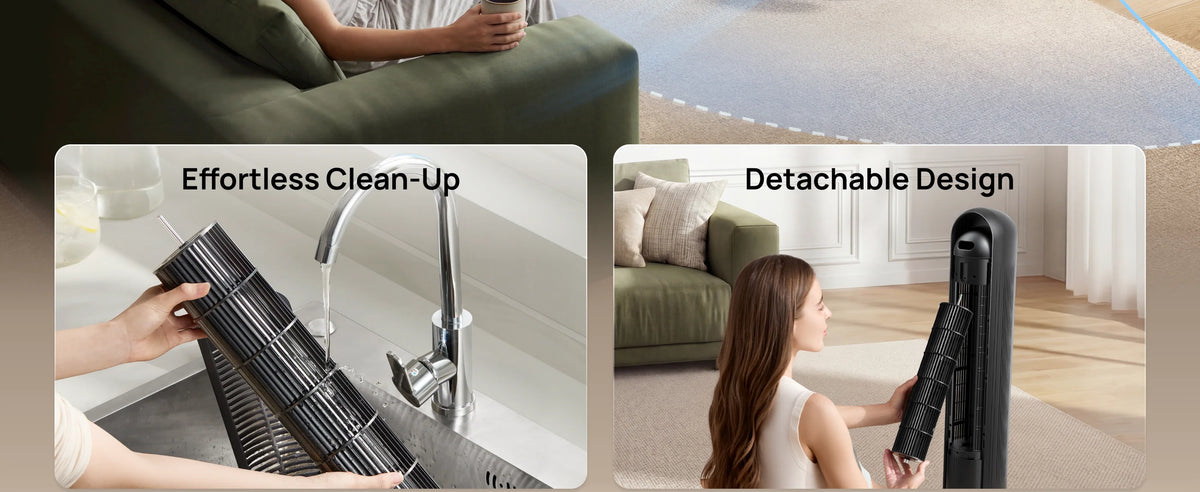
- Tool‑Free Assembly & Effortless Cleaning: Snap together in seconds; remove the grille and wheel for quick dust removal.
Why Buy at the DREO Stores

Fast, Free Shipping


30-Day Money-back Guarantee

Hassle-Free Warranty

Earn Points, Redeem Cash Discounts

Payment Methods


Frequently Asked Questions
Why is the OSC not working?
Please check if there is an OSC icon on the lower right corner of the screen to make sure the OSC function is on. Then check if the fan body is stuck or entangled by the cable.
The screen is too bright. Can I turn it off?
You can turn the screen off by switching the style to sleep mode. It will automatically turn off within 5 seconds.
Why does the tower fan shut off randomly?
Please make sure if it is due to that the timer is on. If you can, please take a short video and send it to support@dreo.com as soon as possible.
Why is the base flimsy/wobbly?
Check whether the floor is flat. Check whether the base of the tower fan is well placed. Foreign objects may affect stability.
Why does the remote not work?
Please test by controlling the tower fan via the control panel. Then replace the battery in the remote as instructed in the User Manual. Note: Danger of explosion if the battery is replaced incorrectly. Replace only with the same or equivalent type.
Why are the buttons on the control panel not working?
Please test with the remote control. If you can, please take a short video and send it to support@dreo.com as soon as possible.
How does sleep mode work?
Usually, fan speed decreases every 30 minutes. Speed decreases by two levels at most and will remain constant if at level 1. The sound of the prompt will automatically turn off.
How can I mute the prompt sound?
After power on, choose the normal mode, press and hold the mode button for 3-5 seconds. Should mute the prompt sound.
Why is the tower fan not powerful?
Please switch the fan speed to a higher one. Then switch to normal mode. We recommend you clean the inlet grills and test the tower fan again.
Why can't the tower fan be turned on/off?
Please check if the display indicator is on, ensure that the voltage and frequency are the same as required in the user manual (US: 120V 60Hz), or test with another socket. Please make sure the power button on the control panel is abnormal by turning it on via the remote control. Check if it can be turned on through the Dreo app.
Why is there no air coming out?
Please re-plug the power adapter. Then press the power button/remote control. We recommend you check the air inlet/outlet and see if there are any obstacles and abnormal deformations.
Why is the temperature not shown on the panel?
The ambient temperature will only be displayed on the APP.
How to connect the tower fan with the APP?
Launch Dreo and sign in or create an account by following in-app instructions. (Verify your email address to continue) Once you log in, tap ADD Device on the app. (Make sure to enable Bluetooth on your mobile device and plug in the Dreo appliance). Select the Dreo appliance you want to link. Hold the Tower Fan Oscillation button for 5 seconds to start network settings and device pairing. The WiFi icon will keep flashing when pairing. Select your WiFi, enter your password, and tap Next to connect to the network. The WiFi icon will keep flashing when pairing. You are now ready to control the appliance on your app. Start by giving your Tower Fan a new name! Hold the oscillation button again for 5 seconds to restart the network setup.
Why is the tower fan unable to connect with WiFi?
Please check that your WiFi is stable. Please disconnect the WiFi with your tower fan to restart the network setup.
Specifications
Power Supply: 120V, 60Hz
Power Source: AC
Rated Power: 42W
Dimensions: 11.81 x 11.81 x 36.22 in / 30 x 30 x 92 cm
Weight: 9 lb / 4 kg
What's in the box
1x Dreo Nomad One Tower Fan
1x Front Base Half
1x Rear Base Half
1x Remote Control
1x CR2025 Lithium Battery